
THE RAP VIDEO PHOTO GUIDE
How to Make an AI Rap Video from Your Photos
Start by choosing a rap video template that fits your idea. This guide covers photo selection and saving your setup in the current preview.
Choose a template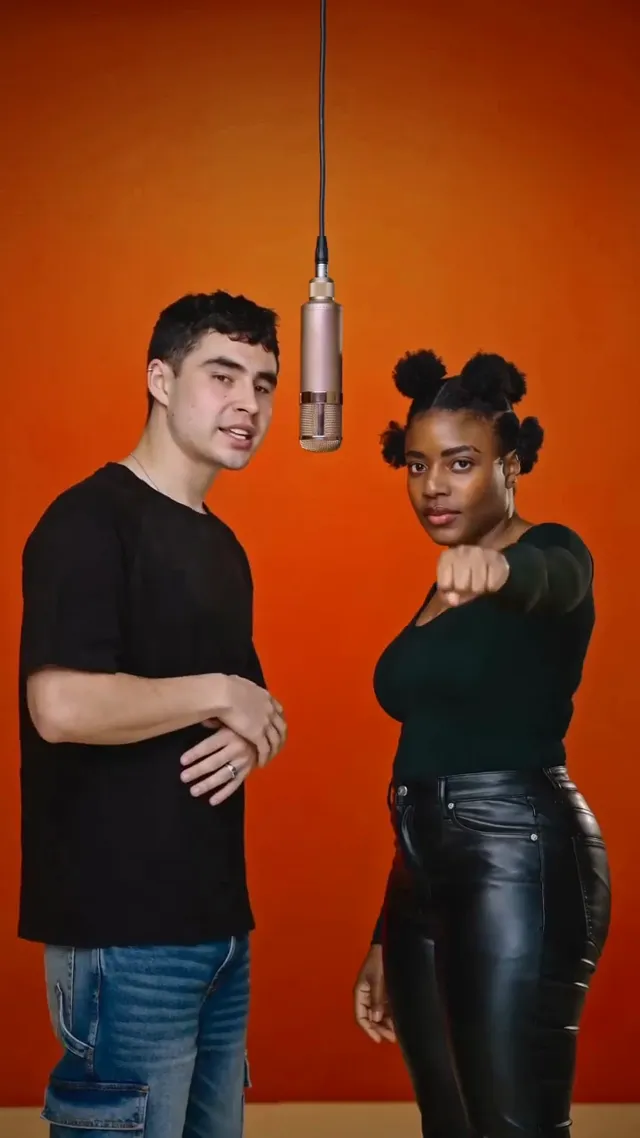
Choose a rap video template
Browse the rap and music video templates. Look at the scene, lighting, and number of people. Open a template to see its photo requirements before you start.
Add your photos
Open your chosen template in the workspace. Add one portrait for a solo scene, or a separate portrait to each of the two duo slots. Check that the right person is in each slot.
- Choose a clear photo with the face visible and evenly lit.
- Use a photo of one person, without a face filter or a large obstruction.
- Use your own photo, or get the person's permission before adding it.
JPEG, PNG, or WebP. Up to 10 MiB per photo.
Save your draft
Check the template and each selected photo. Save the draft when you are ready. You can reopen it from My drafts in this browser.
The draft is saved on this device, not in a cloud library. Keep the original photos. Clearing website data or using private browsing can remove saved drafts.
Open My drafts
Before you start
Can I make a rap video from one photo?
Solo templates use one photo. Duo templates need two, with one photo for each person. In this preview, you can prepare either kind of draft; video generation is not open yet.
Does adding a photo create a music video face swap?
No. Adding a photo shows your source portrait separately from the template artwork. It does not replace the person in the artwork or create a video. Save a draft to keep your template choice and photos together.
When can I download a finished video?
Finished video downloads are not available in the preview. Generation, pricing, and delivery details will be shown before that service becomes available.
Find your scene