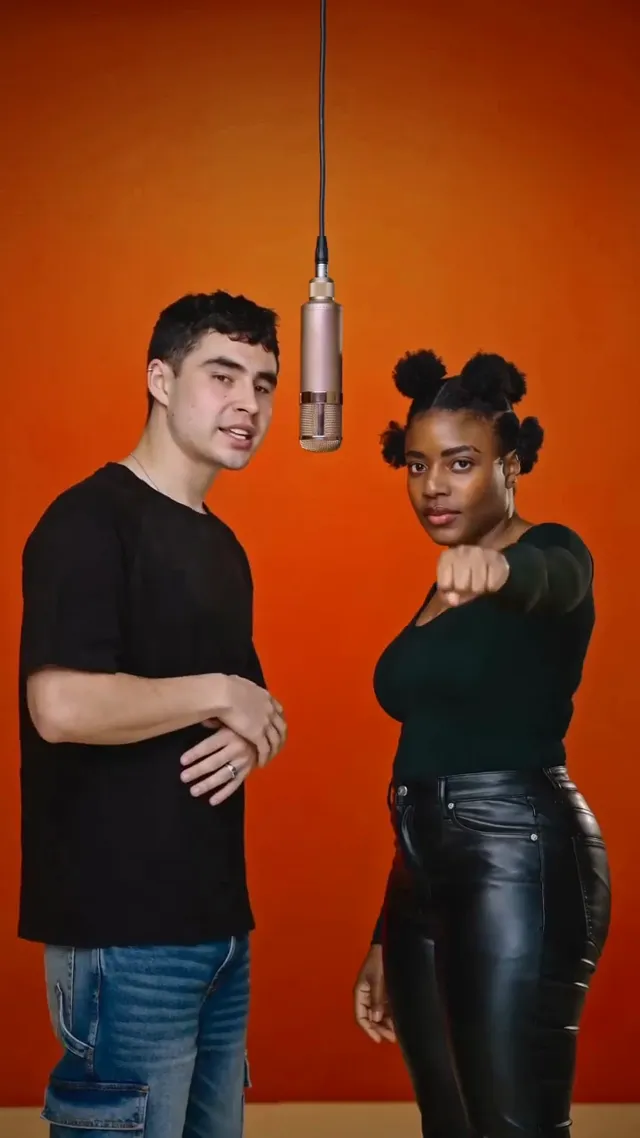
Bulin 47 AI Video Template
The Bulin 47 AI Video Template turns one portrait into a 10-second 9:16 street freestyle. The sidewalk, crowd, and camera stay fixed. Upload the photo below. Delivery is 720p only.
1 photo
Upload photoAdd the photos the template needs, enter an email, and pay. We email the video when it is ready.
Photo setup
Upload photos for this Bulin 47 AI Video Template
Choose one clear photo for each role.
The person who takes the center of the street freestyle.
One clear face, good lighting, no face covering.
Scan the code with your phone and choose photos. They show up in this studio.
Enter an email, then pay. We email you when the video is ready. An account is optional.
Saving a draft keeps photos in this browser. Choosing Generate and paying uploads those photos so the video can be made.
Drafts stay in this browser until you delete them or browser storage is cleared or removed. They are not a backup and do not sync across devices.
The scene
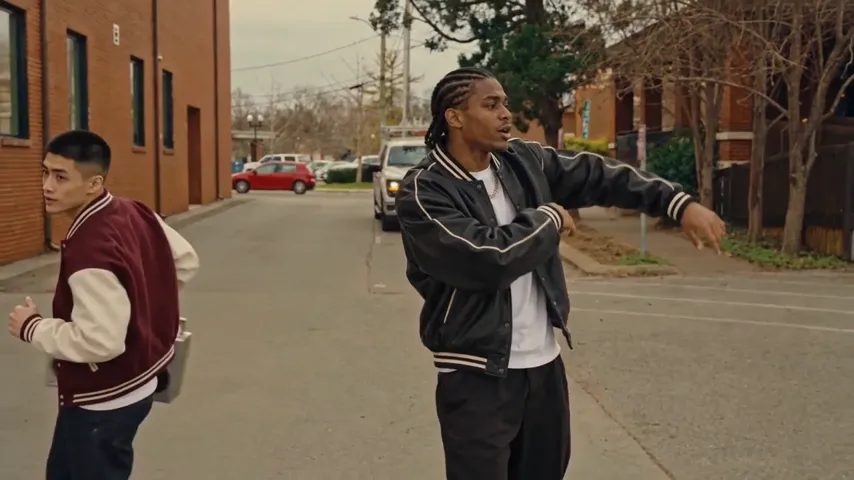
The Bulin 47 AI Video Template is a one-photo street freestyle. A fixed night scene is edited with your portrait, then the video follows the saved depth and the original audio. You stay in the center. The sidewalk, the crowd, and the camera do not come from your photo. What you download is about 10 seconds, vertical 9:16, 720p. There is no 480p delivery. The clip keeps the model’s native audio. iRap does not run a lip-sync pass on top. You do not write a prompt and you do not record a voice. The example player is a short public preview of that scene. It was not generated from your photo and it is not the full paid length. Use it to see the street, the single performer, and the motion before you upload. The form under the player is the job. One portrait, a permission checkbox, an email, then the 10-credit pack at US$9.90. Guest checkout does not ask you to create an account first. The private link arrives by email when the 720p file is ready.
What the Bulin 47 AI Video Template includes
- One photo replaces the center performer. The night sidewalk, the crowd, and the camera path stay with the recipe.
- Portrait only: 10 seconds, 9:16, 720p. iRap does not sell a 480p Bulin 47 file.
- Native audio from the model stays on the clip. There is no lip-sync pass after the video is made.
- You do not write a prompt. The scene edit and the video instructions are already saved.
- Guest checkout on this page. 10 credits, US$9.90, email before payment. Sign-in is optional.
- A private link by email when the 720p portrait is ready, or My videos if you are signed in.
Make the Bulin 47 street freestyle on this page
- 1
Upload one portrait
Use the single photo box under the example. One adult, one face, JPEG, PNG, or WebP, up to 10 MiB. A front-facing or slight three-quarter view is the useful case.
- 2
Check the center role
This template has one role: the person in the middle of the street freestyle. The photo is that person. Extra people in the frame will not become a second performer.
- 3
Confirm permission here
Tick the box on this page if you may use the photo. Generate video stays on this URL. You do not jump to another screen to start.
- 4
Email, then pay
Enter the address that should receive the file and pay the 10-credit pack (US$9.90). Generation runs after payment. An account is optional.
- 5
Watch the 720p portrait
Open the email link. The result is about 10 seconds, 9:16, 720p, with the model’s own audio. There is no separate lip-sync track. The player at the top is the style example, not your render.
Which photos do I need?
The Bulin 47 AI Video Template takes one portrait of one person. That photo becomes the center of the street freestyle. There is no second slot. Use JPEG, PNG, or WebP, up to 10 MiB. Even light, a front-facing or slight three-quarter angle, and a clear view of the eyes, nose, and mouth. Skip sunglasses, heavy filters, and group shots. The recipe keeps the sidewalk, the crowd, and the camera, so the photo does not need to be taken on that street. Use a photo you have permission to use. If you are sending the picture from a phone to a computer session, use the phone photo button under the slot. The public example is a short style preview of the same scene. Your paid file is the 10-second 720p portrait, not a re-encode of that preview.
Performer
The person who takes the center of the street freestyle.
Use JPEG, PNG, or WebP, up to 10 MiB per photo. Only add photos you have permission to use.
Read the rap video photo guideHow to make a Bulin 47 AI rap video from one photo on iRap VideoBulin 47 questions
How many photos does the Bulin 47 AI Video Template need?
One portrait of one person. There is no partner role and no second upload. A group photo is a poor fit because only one face should read as the center performer. JPEG, PNG, or WebP, up to 10 MiB, with eyes, nose, and mouth visible. Front-facing or a slight three-quarter view is enough.
How long is Bulin 47, and what resolution do I get?
About 10 seconds, 9:16 portrait, 720p only. The motion follows the saved depth reference and the original audio. Native audio stays on the file. iRap does not add a lip-sync overlay and does not offer 480p. The on-page example is a shorter style preview, not a promise that your file will be five seconds.
Do I write a prompt or pick a beat?
No. The scene-edit instructions and the video instructions are already in the saved recipe. Your only creative choice is the portrait. Play the example if you want to hear the kind of audio the template carries. The photo does not become a voice clone.
Can I pay for Bulin 47 without an account?
Yes. Guest checkout is on. Upload the portrait on this page, confirm permission, choose Generate video, enter the delivery email, and pay 10 credits (US$9.90). Sign-in is optional. The same pack covers Hotel Lobby and Boombox Slide. Your result is the email link, and My videos if you later use an account.